
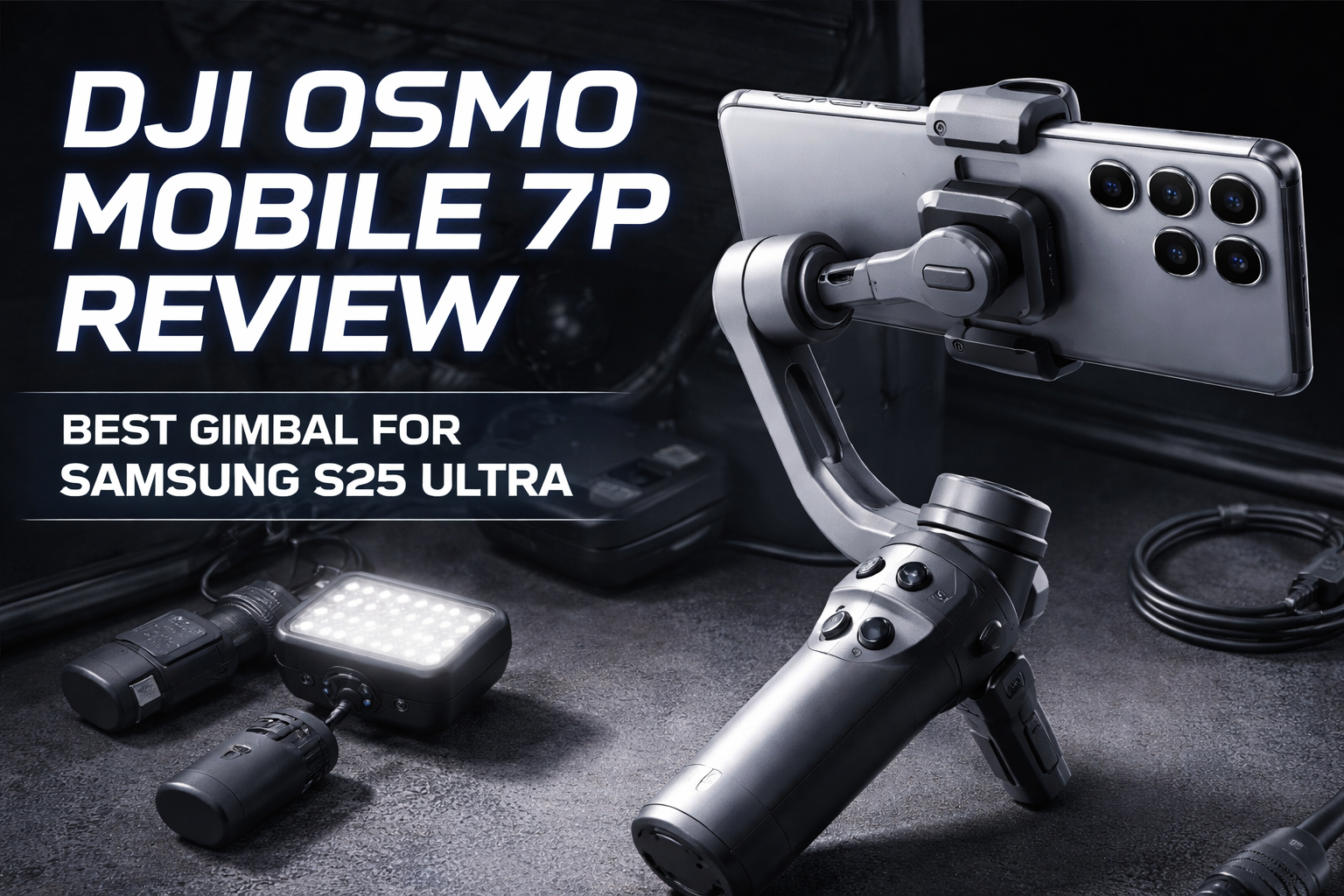
If you shoot Reels, Shorts, travel videos, or product demos on your phone, a 3-axis gimbal is one of the biggest quality upgrades you can buy. The DJI Osmo Mobile 7P is built for creators who want smooth stabilization plus a creator-friendly workflow: quick setup, built-in tripod support, and an extension rod for better framing.
This is a technical, practical review (not marketing fluff) — and it includes a dedicated section for Samsung S25 Ultra.
1) Key Specs (What Matters in Real Use)
- Type: 3-axis smartphone gimbal (physical stabilization: pitch, roll, yaw)
- Phone fit range (DJI spec):
- Weight: 170–300 g
- Width: 67–84 mm
- Thickness: 6.9–10 mm
- Built-in extension rod (max extension length: 215 mm)
Why these specs matter:
- If your phone is too wide or too thick (often because of a heavy case), it won’t fit properly in the clamp.
- If the phone is too heavy or off-balance, the motors work harder → higher jitter risk + lower battery.
2) Samsung S25 Ultra Compatibility (Your Phone)
Samsung Galaxy S25 Ultra (typical published dimensions):
- Width: 77.6 mm
- Thickness: 8.2 mm
- Weight: 218 g
Result:
Yes — Samsung S25 Ultra fits comfortably inside the DJI Osmo Mobile 7P supported range.
Important note about cases:
- The phone itself is 8.2 mm thick, which is fine.
- Thick rugged cases can push thickness beyond 10 mm.
For best performance, use a slim case or shoot without the case.
3) Stabilization Performance (Real-World)
What you’ll notice immediately:
- Walking shots become smooth and usable.
- Handshake reduces dramatically.
- Pans look controlled instead of shaky.
Where it performs best:
- Reels/Shorts while walking
- Travel b-roll (slow forward motion)
- Product shots (slow pans around objects)
- Talking videos (when you move a bit)
Where any gimbal can struggle:
- Sudden running, sharp turns, or fast whip pans
- Very low-angle “near the ground” shots (depends on your grip and movement style)
Tip for best footage:
Move like a camera operator: slow steps, gentle turns, smooth panning.
4) The “7P” Advantage (Why this model exists)
The 7P is creator-focused. Beyond stabilization, it’s designed around “solo content” workflow:
- Quick setup (you actually use it more)
- Tripod-style shooting (set it down, hit record)
- Better framing options with the extension rod
For creators, these workflow features often matter more than small spec differences.
5) Battery and Charging Behavior (What to Expect)
Battery performance depends heavily on:
- phone weight and balance quality
- how often the motors fight your movement
- whether you use extra features continuously
Tech tip:
Balance your phone properly before recording.
Even if a gimbal “works” while unbalanced, motors work harder → more heat, more drain, and sometimes micro-jitter.
Also note:
Using the gimbal to charge your phone reduces the gimbal’s own runtime. That’s normal.
6) Best Setup for Samsung S25 Ultra (Practical Creator Settings)
A) Clamp placement (important for big camera bumps)
- Mount the S25 Ultra so the phone is centered and stable.
- Avoid clamping too close to the camera area (camera bump can affect grip and balance).
- If the phone feels “tilted” or motors feel strained, re-position the clamp slightly toward center.
B) Case recommendation
- Best: slim case or no case while filming
- Avoid: thick rugged cases (can exceed clamp thickness limit and worsen balance)
C) Camera settings (simple but effective)
For most creators, these settings are a solid starting point:
- Resolution: 4K
- FPS: 30 fps for better low-light and natural motion, 60 fps for brighter outdoor motion
- If you notice “micro-wobble,” try turning OFF extra electronic stabilization (EIS).
Sometimes EIS + gimbal can fight each other.
D) Exposure control (makes video look premium)
- Tap and hold to lock exposure/focus (AE/AF lock) before you start moving.
- Slightly lower exposure outdoors to protect highlights (prevents blown-out skies).
7) Audio and Lighting (Two Upgrades That Matter Most)
If you want your videos to feel truly “pro,” the priority order is:
1) Audio (biggest upgrade)
2) Lighting
3) Stabilization (gimbal)
Recommended add-ons:
- Wireless mic (even budget ones improve quality massively)
- Small LED light for indoor content (soft, close light looks best)
The gimbal makes video smooth — but the mic makes the content watchable.
8) Who Should Buy the DJI Osmo Mobile 7P?
Buy it if:
- You post content regularly (Reels/Shorts/YouTube)
- You shoot solo and want an easier workflow
- You want one tool that reduces extra gear (tripod + extension rod help a lot)
- You want consistently smooth footage with minimal effort
Skip it if:
- You rarely shoot video (a tripod + mic might give more value)
- You use heavy lens attachments or bulky cages on your phone
- You already own a recent gimbal and don’t need workflow upgrades
9) Final Verdict (Tech Creator View)
For a Samsung S25 Ultra user, the DJI Osmo Mobile 7P is a strong match:
- The phone fits well inside the supported size/weight range.
- You’ll get smoother footage immediately.
- The built-in extension rod and tripod-style workflow are genuinely useful for creators.
If your goal is stable, clean-looking videos quickly (without a full camera rig), the OM 7P is worth considering.
FAQ
- Does DJI Osmo Mobile 7P work with Samsung S25 Ultra?
Yes, the S25 Ultra fits within the supported size and weight range. Avoid very thick rugged cases for best clamp fit and balance. - Should I turn off Super Steady/EIS when using a gimbal?
If you notice micro-jitter or “wobble,” try turning off extra electronic stabilization so the gimbal does the stabilization work. - What FPS is best for reels on a gimbal?
Use 4K 30fps for cleaner low-light and natural motion. Use 4K 60fps for bright outdoor motion and smoother fast movement. - What improves quality more: gimbal or mic?
A mic usually improves perceived quality more than a gimbal. Best combo: gimbal + wireless mic + basic lighting.