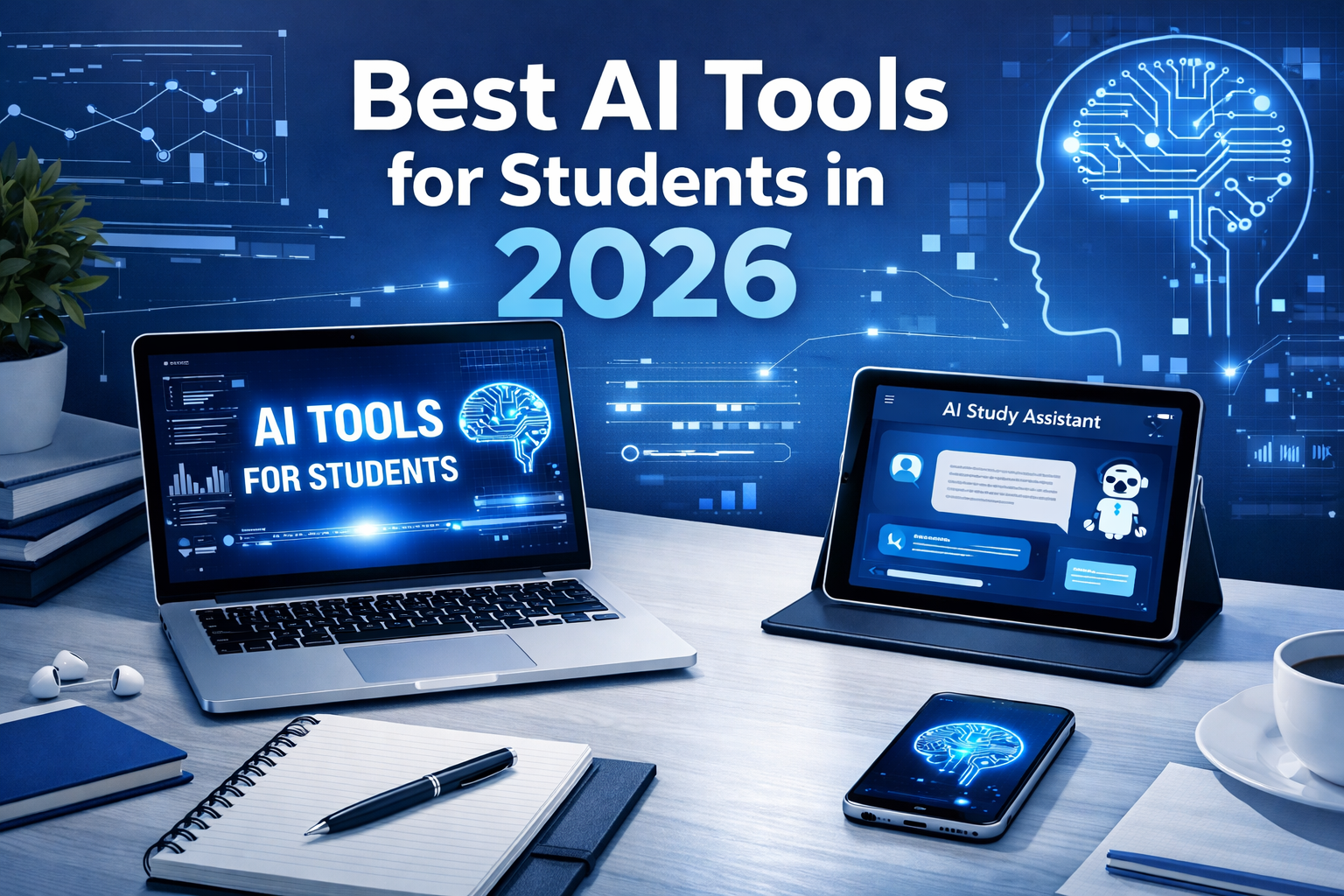
Best AI Tools for Students in 2026
Artificial intelligence is no longer just for professionals or large companies. In 2026, students are using AI tools every day to study faster, write better, stay organized, and improve productivity. The right tools can save time, reduce stress, and make learning more effective. The important part is choosing tools that are actually useful instead of getting distracted by hype.
In this guide, I’ll cover some of the best AI tools for students and explain what each one is best for.
1. ChatGPT
ChatGPT is one of the most versatile AI tools for students. It can help explain concepts in simple language, summarize long topics, generate study questions, improve writing, and assist with brainstorming ideas for assignments and projects.
Best for:
- Understanding difficult topics
- Summarizing notes
- Drafting essays and answers
- Brainstorming project ideas
Pros:
- Very flexible
- Easy to use
- Helpful for many subjects
Cons:
- Answers should always be verified
- Can make students over-dependent if used badly
2. Notion AI
Notion AI is useful for students who like keeping notes, planning schedules, and organizing projects in one place. It helps clean up notes, generate summaries, and structure study material more efficiently.
Best for:
- Note organization
- Project planning
- Study tracking
- Productivity workflows
Pros:
- Great for organization
- Works well with digital notes
- Useful for planning long-term study goals
Cons:
- Works best if you already like using Notion
- Can feel a little overwhelming at first
3. Grammarly
Grammarly is still one of the most useful writing tools for students. It helps improve grammar, spelling, punctuation, and clarity. It is especially valuable for essays, reports, emails, and scholarship applications.
Best for:
- Essay writing
- Assignment proofreading
- Improving sentence clarity
- Formal writing
Pros:
- Easy to use
- Improves writing quality quickly
- Useful for everyday academic work
Cons:
- Premium features are limited in the free version
- It can sometimes make suggestions that change your tone too much
4. Canva
Canva is not just for design students. It is one of the best tools for making presentations, posters, infographics, resumes, and visual project material. Its AI features also make design easier for beginners.
Best for:
- Presentations
- Posters and project visuals
- Resume design
- Social or academic visual content
Pros:
- Beginner-friendly
- Saves a lot of design time
- Looks professional even with basic effort
Cons:
- Some advanced templates require paid access
- Too many design choices can waste time if you are not focused
5. Perplexity
Perplexity is useful for research-style tasks because it gives concise answers along with sources. For students, it can be a faster way to get a starting overview on a topic before diving deeper.
Best for:
- Quick research
- Topic overviews
- Finding source-backed answers
- Learning current information faster
Pros:
- Fast and clean interface
- Good for research starting points
- Source-oriented approach
Cons:
- You still need to verify sources carefully
- Not a replacement for proper academic research
6. Google Gemini
Gemini is useful for students already working heavily with Google tools. It can help with drafting, idea generation, and productivity support inside a familiar ecosystem.
Best for:
- Productivity support
- Drafting and idea generation
- Students using Google Workspace regularly
Pros:
- Works well with Google ecosystem
- Easy for existing Google users
- Helpful for general writing and planning
Cons:
- Feature usefulness depends on how you already work
- Not every student will need another all-purpose AI assistant
7. Otter or AI note tools
Students who attend lectures, group discussions, or online classes may find AI note-taking and transcription tools useful. These tools help turn spoken content into text for later review.
Best for:
- Lecture summaries
- Revision notes
- Study group discussions
- Recorded classes
Pros:
- Saves time
- Good for revision
- Helps capture ideas quickly
Cons:
- Accuracy may vary
- Sensitive or important notes should still be reviewed manually
How students should use AI responsibly
AI should support learning, not replace it. The best use of AI is to:
- understand concepts faster,
- organize knowledge better,
- improve writing,
- and save time on repetitive tasks.
It should not be used as a shortcut for copying assignments without understanding the topic. Students who use AI responsibly can gain a real advantage, but students who over-rely on it may weaken their own thinking.
Final thoughts
The best AI tool for students depends on what you need most. If you want one all-rounder, ChatGPT is one of the strongest options. If your focus is planning and note management, Notion AI is excellent. If you need help with writing, Grammarly is still a must-have. For visuals and presentations, Canva is hard to beat.
The smartest approach is not using every tool. It is choosing two or three tools that genuinely improve your study process and using them consistently.